The creator can delete any punchlist event that was added by mistake, as long as no Punchlist Item (PLI) has been added to it. If PLIs are present, the event can still be deleted—but only after the PLIs are removed. Punchlist Items in draft state can only be deleted. See Remove Punchlist Items for more details.
To remove a punchlist event
Ensure you are on the 'Punchlist All Events' screen within the 'Quality' module of the project. If not:
- Click the main menu at the top-left
- Click 'Punchlist' under 'Quality' in the menu drop-down.
- The 'Punchlist Dashboard' screen opens by default.
- Click 'All Events' on the left
- Click the name of the event to open it
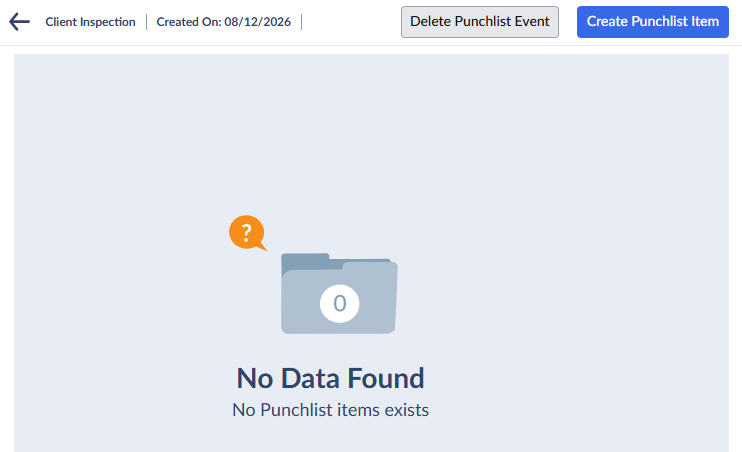
- Click 'Delete Punchlist Event' at the top-right.
Was this article helpful?
That’s Great!
Thank you for your feedback
Sorry! We couldn't be helpful
Thank you for your feedback
Feedback sent
We appreciate your effort and will try to fix the article